Your key? Already at your fingertips.
Shopping bags in your arms, your phone somewhere in a pocket and your house key right at the bottom. Some everyday routines could use an upgrade. A well-planned fingerprint entry system can take care of this one.
This example brings a UniFi Doorbell with a fingerprint reader, a Yale smart lock and Home Assistant together: a fingerprint is recognised, the configured entry routine runs and a push notification reports the action.
Three systems. One thoughtful routine.
Each device has a specific role. The doorbell provides the recognition event. Home Assistant connects it to the configured logic. Yale handles the lock function. The devices work together through suitable integrations and configuration.
Available features depend on the exact doorbell model, software, Yale lock and connection method. An ordinary video doorbell does not become a fingerprint reader through automation alone. We check these requirements before planning the solution.
The door responds. Your phone keeps you informed.
The Home Assistant notification shown here says “Front door opened”. In this example, the alarm system is also disarmed. Follow-up actions like these are agreed individually and configured only for the permissions authorised for that routine.
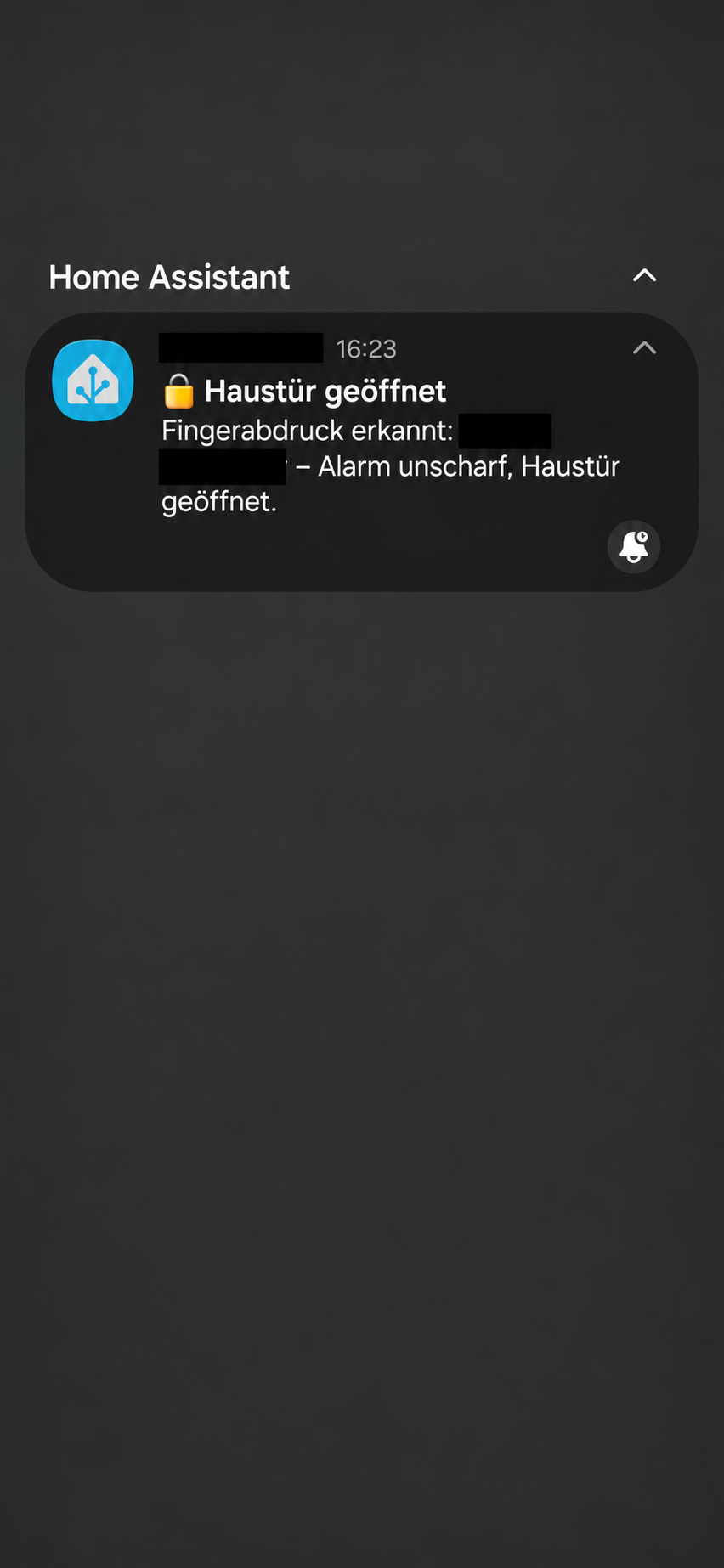
A notification reports the routine. Whether a door is physically open, closed or locked depends on the state feedback available from the installed equipment. A notification title alone does not independently confirm the door position.
Convenience starts with clear permissions.
With a front door, details matter. A scan should trigger an entry action only when it has been recognised and authorised for that routine. Restarts, interrupted connections and repeated events also belong in the design.
Planning includes low batteries, faults and an alternative way to enter that suits the door. Everyday operation should remain dependable. We assess the mechanical requirements and available lock feedback alongside the automation.
What else could arriving home do?
With suitable equipment, an authorised routine can connect useful next steps: turn on entrance lighting when it is dark, start an agreed scene or notify selected devices. Everyday needs determine which actions belong together.
We plan the interfaces, agree permissions and test how the components work together. The result is a solution that feels natural to use.
“Your home can recognise you. You can still keep your keys.”
Technical background & sources
Demonstrated functional example. Model, software version and connectivity are assessed for each installation. Personal permissions and access credentials are not published.